
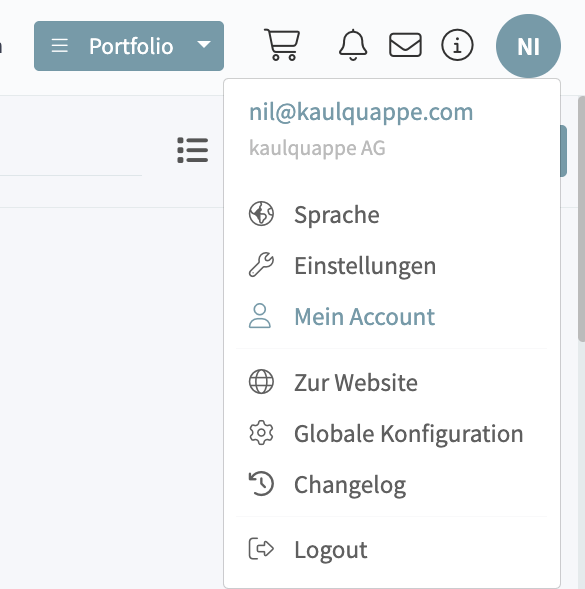
Step 1: Open “My Account”
Click on your user profile in the upper-right corner, then select “My Account.”
Step 2: Select the “Two-Factor Authentication” tab
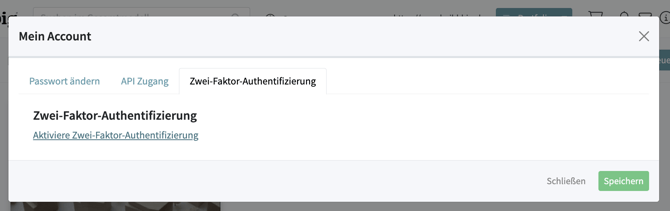
Open the “Two-Factor Authentication” tab.
Then click “Enable Two-Factor Authentication.”
Step 3: Select an authentication method
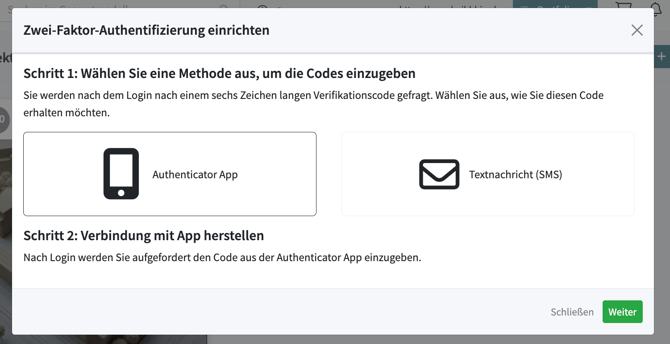
Now choose how you’d like to receive your verification code in the future.
You can choose from:
-
Authenticator app (recommended)
-
Text message (SMS)
Then click Next.
Recommendation: Using an authenticator app offers the highest level of security and works even without cell service.
Suitable Authenticator Apps
For example, you can use one of the following apps:
-
Microsoft Authenticator
-
Google Authenticator
-
Authy
-
2FAS Authenticator
-
Duo Mobile
Step 4: Complete Authentication
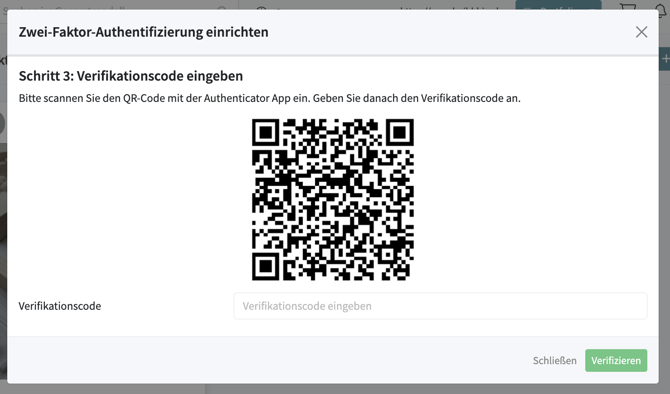
Follow the on-screen instructions to link your user account to the selected authenticator app or confirm the setup via text message.
Then enter the six-digit verification code displayed and click Verify.
Step 5: Setup Complete
Once setup is complete, a green confirmation message will appear in the lower-right corner.
Two-factor authentication is now enabled.
Logging In with Two-Factor Authentication Enabled
For every future login, first sign in as usual with your email address and password.
You will then be prompted to enter the six-digit security code from your authenticator app or the text message.
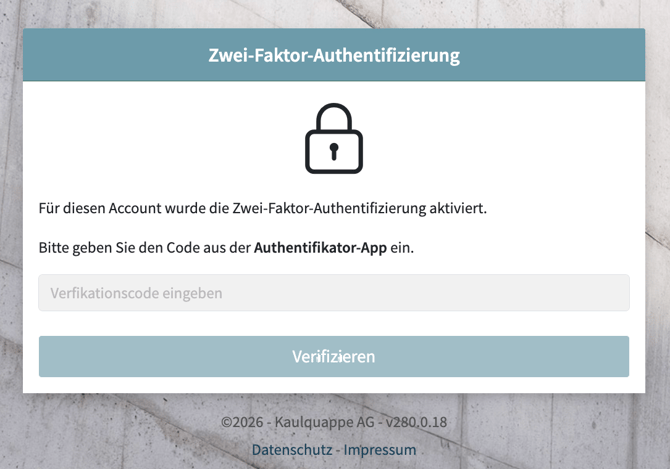
Once you’ve successfully entered the code, the login process is complete.
Notes
-
Keep your smartphone with the authenticator app in a safe place.
-
If you switch devices or lose your device, contact your BIG administrator or support so that two-factor authentication can be reset.
-
Using an authenticator app is recommended over SMS, as it is more secure and works independently of the cellular network.